Brand guideVersion 1.0October 2026
Working drawings
The Khayal Labs identity is set up like a drawing sheet on a lab bench, with its own violet-and-cyan palette and an isometric emblem. It uses warm paper, a fine construction grid, title blocks, numbered callouts and dimension lines. Ideas start as loose pencil and end as crisp, fitted engineering. Use this guide to keep that idea consistent across the website, documents and products.
- Concept
- The working invention lab
- Ground
- Always light: ivory, paper and sand
- Emblem
- The unfolding module: an isometric cube of eight modules, with one cyan module drawn out to be tested
- Accents
- Violet for what is built. Cyan for what is being tested.
- Source of truth
tokens/tokens.jsongeneratestokens.cssandtokens.json
01Identity
The unfolding module
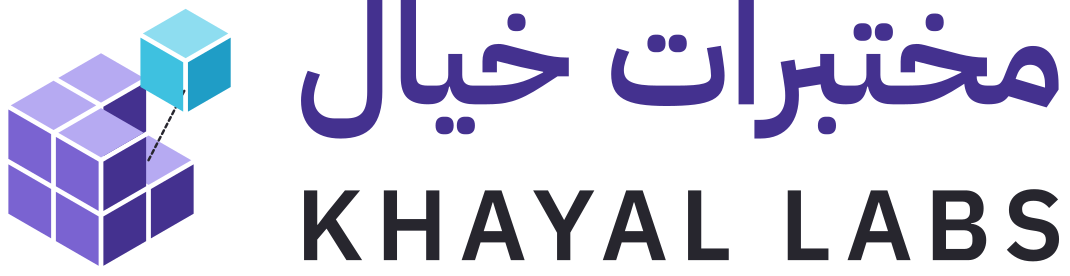
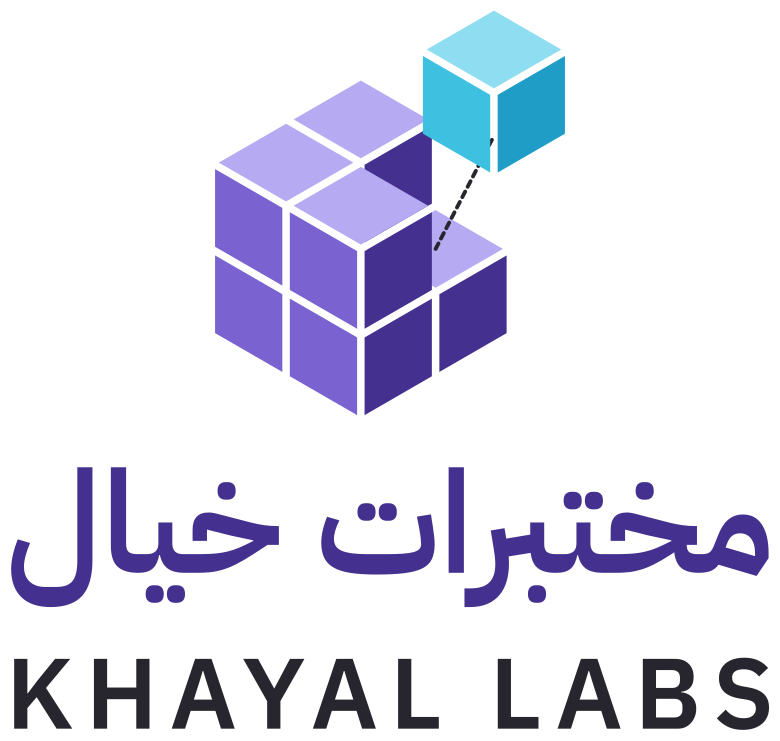
The emblem is a cube of eight modules. One module has been drawn out of its slot to be tested, and a dashed guide shows exactly where it goes back. The violet body is what the lab has already built. The cyan module is the experiment. The wordmark sets the Arabic name above the English one, at the same width.
- Eight modules. The cube is built from 2 × 2 × 2 equal modules, drawn in true isometric projection on a 30° grid.
- Three tones of violet. Light on top, mid on the left face and deep on the right. The light always comes from the same direction.
- The module under test. The top-right module is drawn up and out of its slot, in cyan. It is the only cyan part.
- The guide. A dashed line runs from the empty slot to the module. It's dropped below 24 px, as in the favicon.



Clear space
Keep clear space equal to the height of one module on every side. Nothing else enters the dashed area.
Minimum size
Primary lockup: 40 px tall on screen, 12 mm in print. Compact lockup: 24 px. Below 24 px, use the favicon, which drops the guide line.
Colour of the mark
Full colour on ivory, paper or sand. All-paper on violet or on a calm photograph. All-graphite where only one colour prints. The cyan module stays cyan in the full-colour mark, and nothing else in the mark is ever cyan.
Avoid
Don't rotate the mark or redraw the cube at another angle.
Don't stretch, condense or re-space the lettering.
Don't place it on busy imagery or dark grounds.
Don't recolour the modules, or put the module back in its slot.
02Colour
Beige paper, violet body, cyan test
Pages stay bright and warm. Graphite carries all reading text. Violet is the lab's own colour: the assembled body, primary actions and accent text. Cyan is the signal for whatever is being tested. It appears in small amounts and never as text. Use the semantic tokens in components, never raw hex values.
#F7F3EA--kl-bg · page groundGraphite on it 13.5:1#FFFDF8--kl-surface · sheets, fieldsGraphite on it 14.7:1#EAE1D2--kl-surface-sunken · bandsGraphite on it 11.6:1#D8CEBD--kl-line · hairlinesDecorative only#27262E--kl-text · all reading text13.5:1 on ivory#5B5866--kl-text-muted · secondary6.3:1 on ivory#8A8496--kl-line-strong · construction, field borders3.3:1 · graphics only#44318F--kl-action, --kl-proven, --kl-text-accent9.1:1 on ivory#7A63D1--kl-brand-mid · fills, large type4.2:1 · large text#B6AAF2--kl-brand-light · top facesFills only#E3DEF7--kl-proven-tint · highlightsGraphite on it 11.5:1#3EC1E0--kl-mark · the module under testGraphics only · graphite on it 7.1:1#0A6F8A--kl-text-signal, --kl-focus5.2:1 on ivory#D6F1F8--kl-mark-tint · work-in-progress noticesGraphite on it 12.6:1Rules
- Text is graphite or graphite soft. Use violet deep or cyan deep for small coloured text, never violet, violet light or cyan.
- Violet is what's built: primary buttons, product-stage pips, the assembled cube.
- Cyan is what's being tested: prototype pips, hover ticks, the lifted module. Keep it to small areas.
- Status is never shown by colour alone. Stage pips change shape: dashed, hollow, half, three-quarter, full.
- No dark sections, no gradients, no glow. Depth comes from paper layers, isometric faces and hairlines.
- Khayal Labs' palette is its own. It doesn't borrow Muhandis green and copper or Kawader blue and orange.
- Projects keep their own identities. On the website, each project section switches to that project's logo, colours and type, inside the Khayal Labs page frame. The lab's identity stays in the header, hero and footer.
Semantic tokens
| Token | Use |
|---|---|
--kl-bg | Page background |
--kl-surface | Sheets, cards, fields |
--kl-surface-sunken | Bands, pressed and hover fills |
--kl-text / --kl-text-muted | Primary and secondary text |
--kl-action | Primary button fill (violet deep) |
--kl-proven / --kl-mark | Built (violet) / under test (cyan) |
--kl-text-accent / --kl-text-signal | Violet and cyan text accents |
--kl-line / --kl-line-strong | Hairlines / construction and field borders |
--kl-focus | Keyboard focus ring (cyan deep) |
--kl-stage-* | Question, concept, prototype, product pips |
03Typography
Three voices
Fraunces speaks for the idea. IBM Plex Sans does the work and sets the wordmark in tracked capitals. IBM Plex Mono annotates, like notes on a drawing. IBM Plex Sans Arabic sets the Arabic name. All four families are under the SIL Open Font License and are self-hosted.
Display · Fraunces 450 · opsz 144
Ideas, tested.
The softness axis is part of the system. Sketch states set it high, built states set it to zero. The hero headline sharpens as the assembly completes.
Interface · IBM Plex Sans 400–600
Employers describe a role in Arabic or English. The request becomes requirements they can edit, and every score shows its evidence.
Annotation · IBM Plex Mono 400–500
DWG KL-001 · STAGE 2/3 · NOT TO SCALE
Arabic · IBM Plex Sans Arabic 400–600
مختبرات خيال · من خيال إلى واقع
| Token | Size | Face | Use |
|---|---|---|---|
--kl-text-3xl | 42–86 px fluid | Fraunces 450, leading 1.02 | One hero headline per page |
--kl-text-2xl | 33–54 px fluid | Fraunces 460 | Section titles |
--kl-text-xl | 26–36 px fluid | Fraunces 460 | Step and room titles |
--kl-text-lg | 22 px | Fraunces or Plex Sans | Ledes, card titles |
--kl-text-md | 18 px | Plex Sans 400 | Lead paragraphs |
--kl-text-base | 16 px, leading 1.6 | Plex Sans 400 | Running text, 65 characters per line at most |
--kl-text-xs | 12 px, +0.08em, uppercase | Plex Mono 500 | Labels, sheet numbers, stage tags |
- Italic Fraunces is for one or two words that carry the meaning, never whole paragraphs.
- Headlines use sentence case and balanced wrapping.
- Mono labels are uppercase with tracking, and are kept short.
04Drawing language
Diagrams follow drafting conventions
Diagrams and illustrations are drawn as technical drawings, in isometric or plan view, the same projection as the emblem. Line weight says what a line is. Every diagram must explain something real: a mechanism, a flow or a decision.
Stage pips
- Question · dashed
- Concept · hollow
- Prototype · half
- Pilot · three-quarter
- Product · full
Rules
- Grid: 24 px minor, 120 px major, at 5.5% and 9% ink. Use it on sheets only, never across a whole page.
- Sheets carry registration corners and, where useful, a title block with a drawing number, title, stage and scale.
- Number callouts only when the numbers match a legend or a real sequence.
- Draw enclosed parts with dashed cyan “hidden lines” when they are selected.
- Labels in diagrams are live text, never baked into images.
05Imagery
Objects in daylight
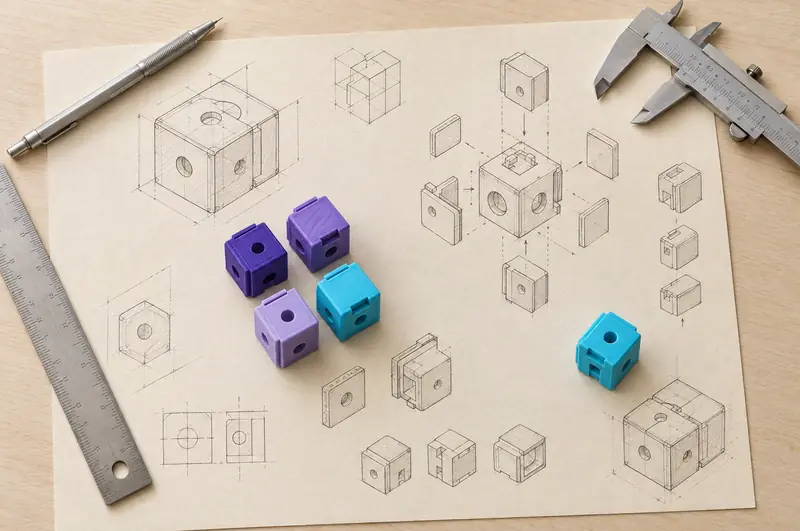
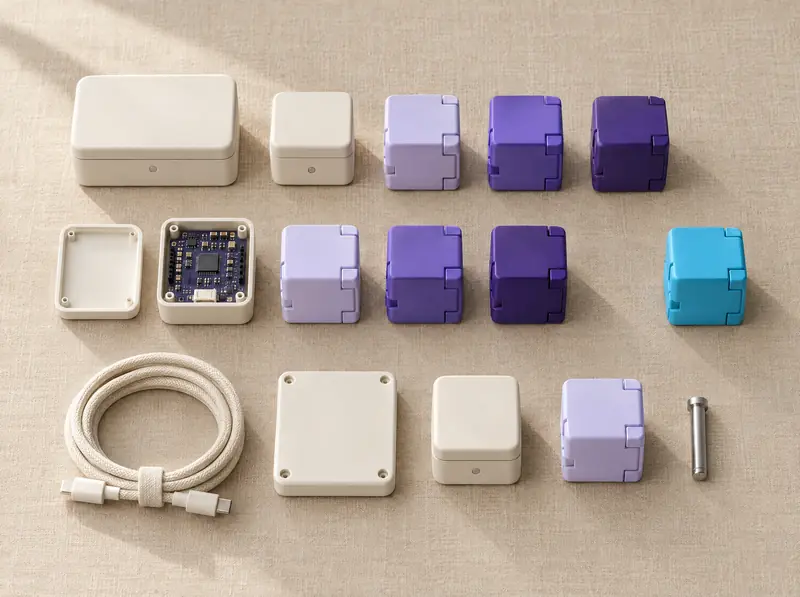
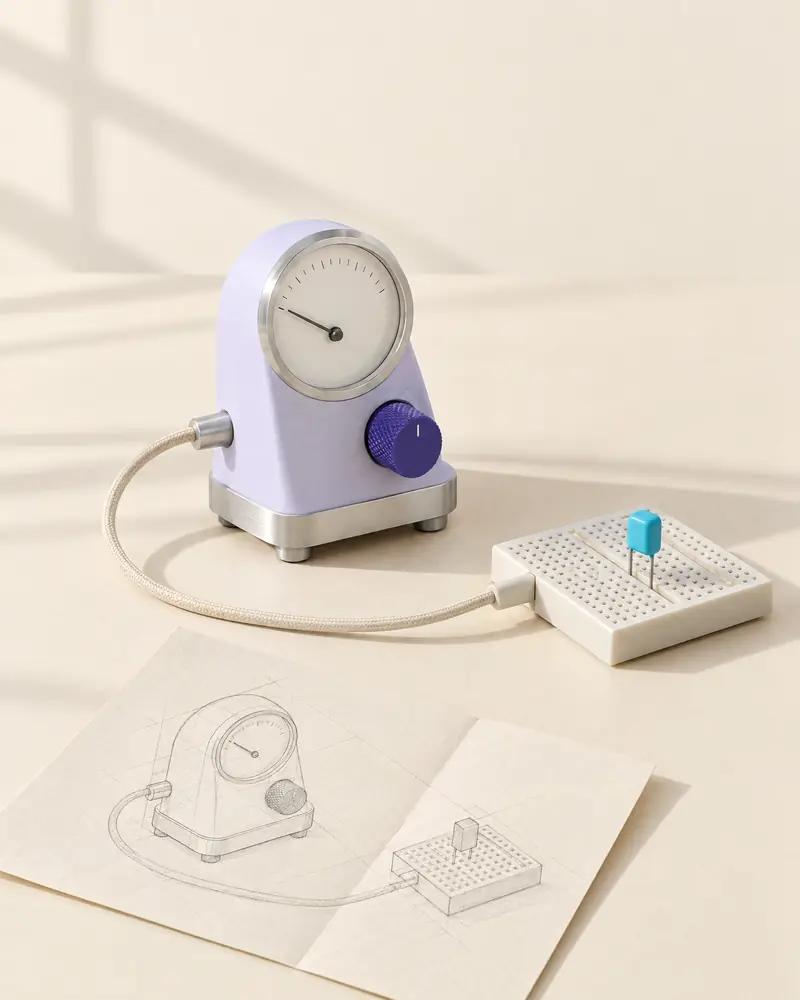
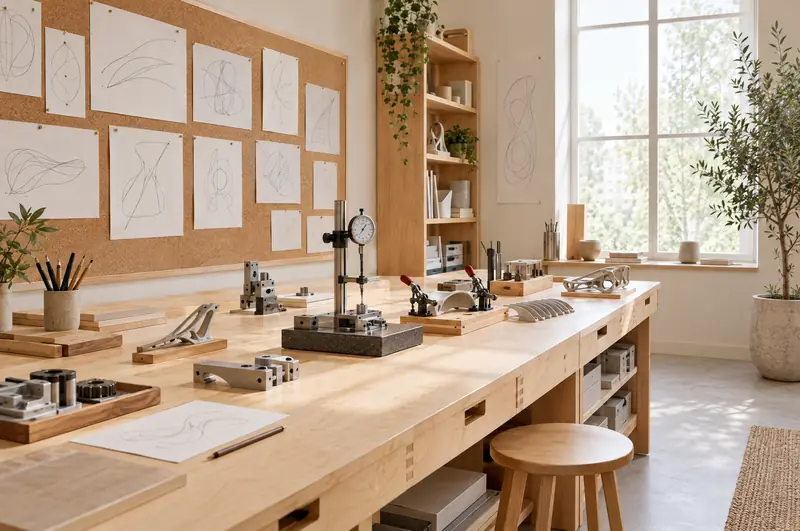
Photography shows materials, instruments, modules and paper studies in bright daylight, in the lab's own colours. It never shows stock scientists, glowing screens or science clichés. These studies were generated with Higgsfield as art direction. They are always captioned as generated and never presented as real projects or spaces.

Do
- Bright window light, soft shadows, real materials: matte ceramic, aluminium, birch, linen, paper.
- Objects in ivory, lavender and violet, with at most one cyan part: the thing under test.
- Show work in progress: sketches next to parts, modules set apart from the rest.
- Caption every generated image as generated.
Don't
- Dark scenes, neon, glow or purple-to-blue “AI” gradients.
- People in lab coats, atoms, brains, rockets or light bulbs.
- Text, interface or logos baked into images.
- Generated images presented as real clients, projects or places.
Higgsfield prompts
Model. GPT Image 2.5 through Higgsfield, high quality, 2K. Each prompt names the palette (ivory #F7F3EA, sand #EAE1D2, violet #44318F and #7A63D1, lavender #E3DEF7, cyan #3EC1E0) and ends with: no text, no letters, no logos, no people, no dark background, no neon, no green, no copper, no orange.
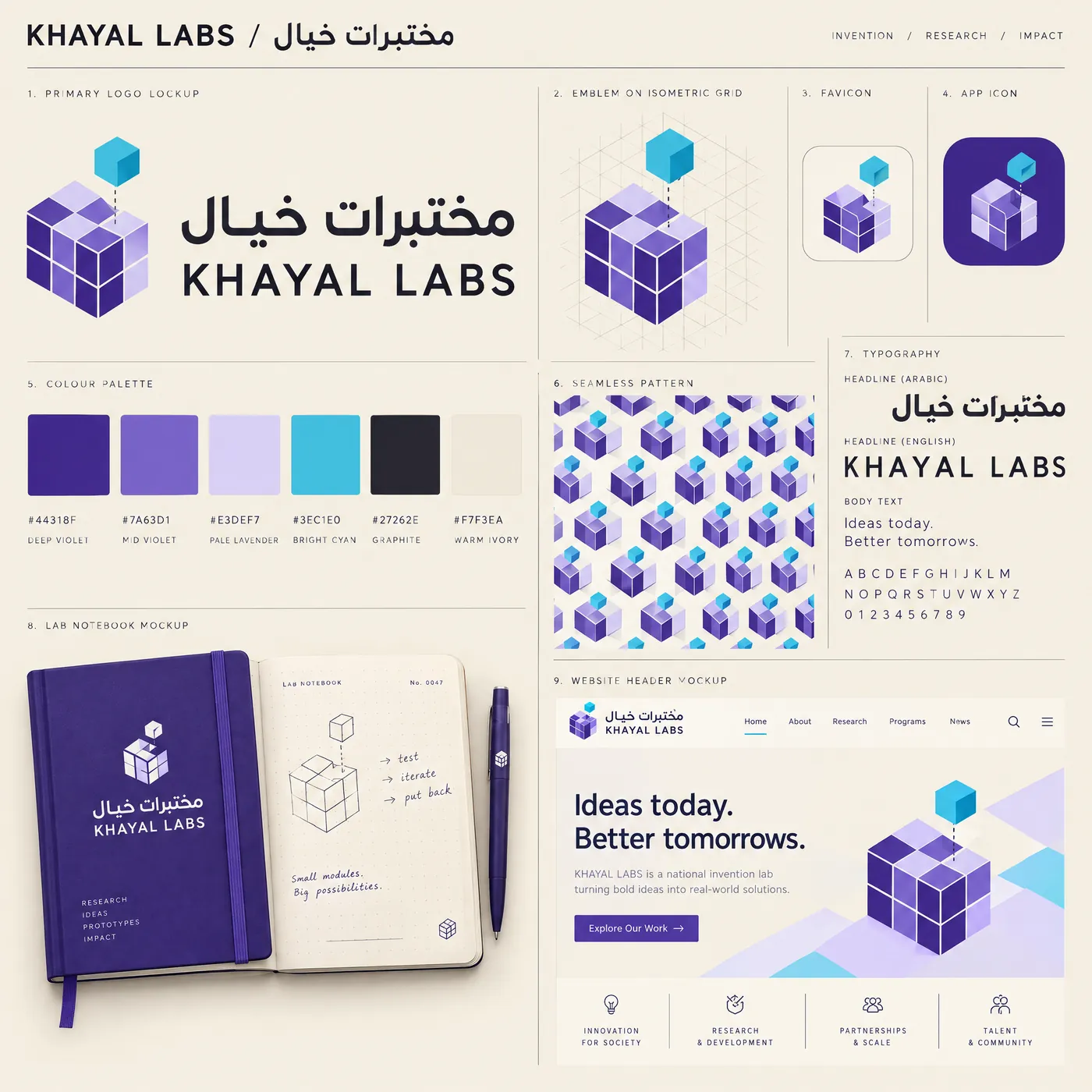
- Identity study. A brand identity board for an invention lab called KHAYAL LABS / مختبرات خيال, with the emblem concept “the unfolding module”: an isometric cube of modules with one module lifted out above its empty slot and a dashed guide back to it. Violet tones for the cube, bright cyan for the lifted module.
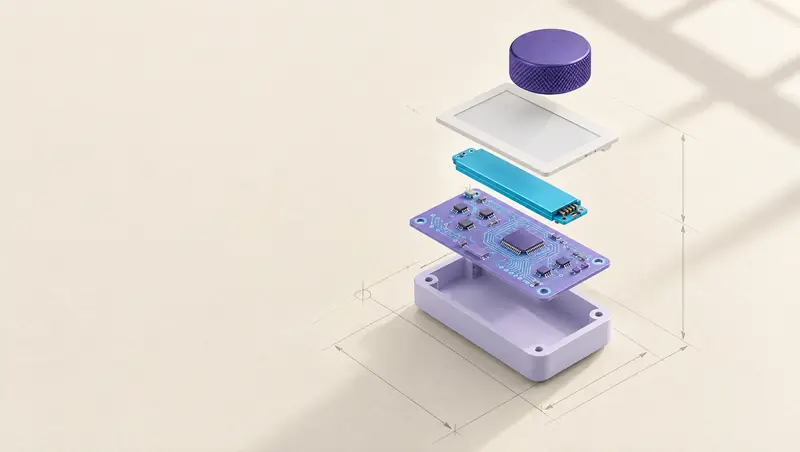
- Exploded assembly. A small modular desk instrument in an exploded vertical stack above ivory drafting paper: a lavender base tray, a lavender board with cyan traces, a cyan data module lifted slightly out of line, a paper-white display and a deep violet knurled dial.
- Paper studies. A flat lay on a birch bench: isometric pencil studies of cube modules, a pencil, ruler and calipers, and printed cube modules in violet, lavender and cyan, one cyan module set apart.
- Modular prototypes. Enclosures and interlocking cube modules in ivory, lavender and violet on sand linen, arranged like a specimen tray, with exactly one cyan module placed apart.
- Experimental instrument. A lavender ceramic measuring instrument with a violet knurled dial and a blank needle gauge, cabled to a breadboard with one cyan part, beside a folded pencil study.
06Components
Parts kit
Square-cornered (2 px), hairline-bordered and built on native controls. Each specimen below is the live component from the site's stylesheet.
Buttons · .btn, .btn--line, .btn--small, .btn--quiet
Hover: a cyan tick slides in and the arrow advances 3 px. Press: the button seats 1 px. Focus: 2 px cyan-deep ring.
Stage tags · .stage-tag[data-stage]
Stage switch · native radio group
Fields · .field, .choice, .check
Check the email address. It should look like name@organisation.om.
Specification list · .spec
- Status
- Working prototype with a fictional dataset
- Next step
- A proof-of-concept production cell
Notices · .notice, .notice--quiet
Prototype status. Built with fictional data. Not connected to any external system.
Concept stage. The proof-of-concept comes first.
Drawing sheet · .sheet with registration corners and title block
07Motion
Motion explains a change of state
Parts assemble, lines connect, stages change and buttons seat. Each page has one orchestrated moment. Everything else is quick and quiet, and the page is complete before anything moves.
ease-precise · cubic-bezier(0.2, 0.8, 0.2, 1)
Hover, focus, panels. 180–320 ms.
ease-mechanical · cubic-bezier(0.65, 0, 0.35, 1)
Assembly and stage changes. 900 ms.
ease-fit · cubic-bezier(0.3, 1.35, 0.55, 1)
A part settling into place: the emblem's module being drawn out on load, a checkbox tick. Use sparingly.
| Token | Value | Use |
|---|---|---|
dur-instant | 90 ms | Button press |
dur-quick | 180 ms | Hover, focus, colour |
dur-settle | 320 ms | Small layout and state changes |
dur-assemble | 900 ms | Hero stage change, score bars |
dur-draw | 1,200 ms | Diagram lines drawing in, once |
- Navigation is immediate. No page-load sequences, no scroll hijacking. Scroll may gently advance an illustration but never takes over scrolling.
- Content is visible at rest. Animation starts from a readable state.
- Loops are allowed only for live status, and they pause offscreen.
- With reduced motion, stages switch instantly and every annotation is shown as a static list.
08Files
Asset kit
Every logo is outlined SVG, so it needs no fonts. Regenerate the marks with npm run build:brand and the tokens with npm run build:tokens.
| File | Contents |
|---|---|
brand/khayal-labs-lockup.svg | Primary bilingual lockup, full colour |
brand/khayal-labs-lockup-ink.svg · -paper.svg | Single-colour and reversed primary lockups |
brand/khayal-labs-lockup-compact.svg · -compact-paper.svg | One-line lockup for headers and small spaces |
brand/khayal-labs-stacked.svg | Stacked lockup |
brand/khayal-labs-wordmark.svg · -arabic.svg | Bilingual wordmark and the Arabic name, without the emblem |
brand/khayal-labs-emblem*.svg | Emblem in colour, graphite and paper |
brand/khayal-labs-app-icon*.svg · -favicon.svg | Emblem on tiles for small sizes, without the guide line |
brand/tokens.css · tokens.json | Design tokens, primitive and semantic |
brand/symbol-geometry.json | Construction geometry of the emblem: modules, lift and face colours |
brand/licenses/ | SIL Open Font License texts for Fraunces and IBM Plex |